

Key Insights: Linux Essentials for DevOps in Production Environments
The Importance of Linux in DevOps
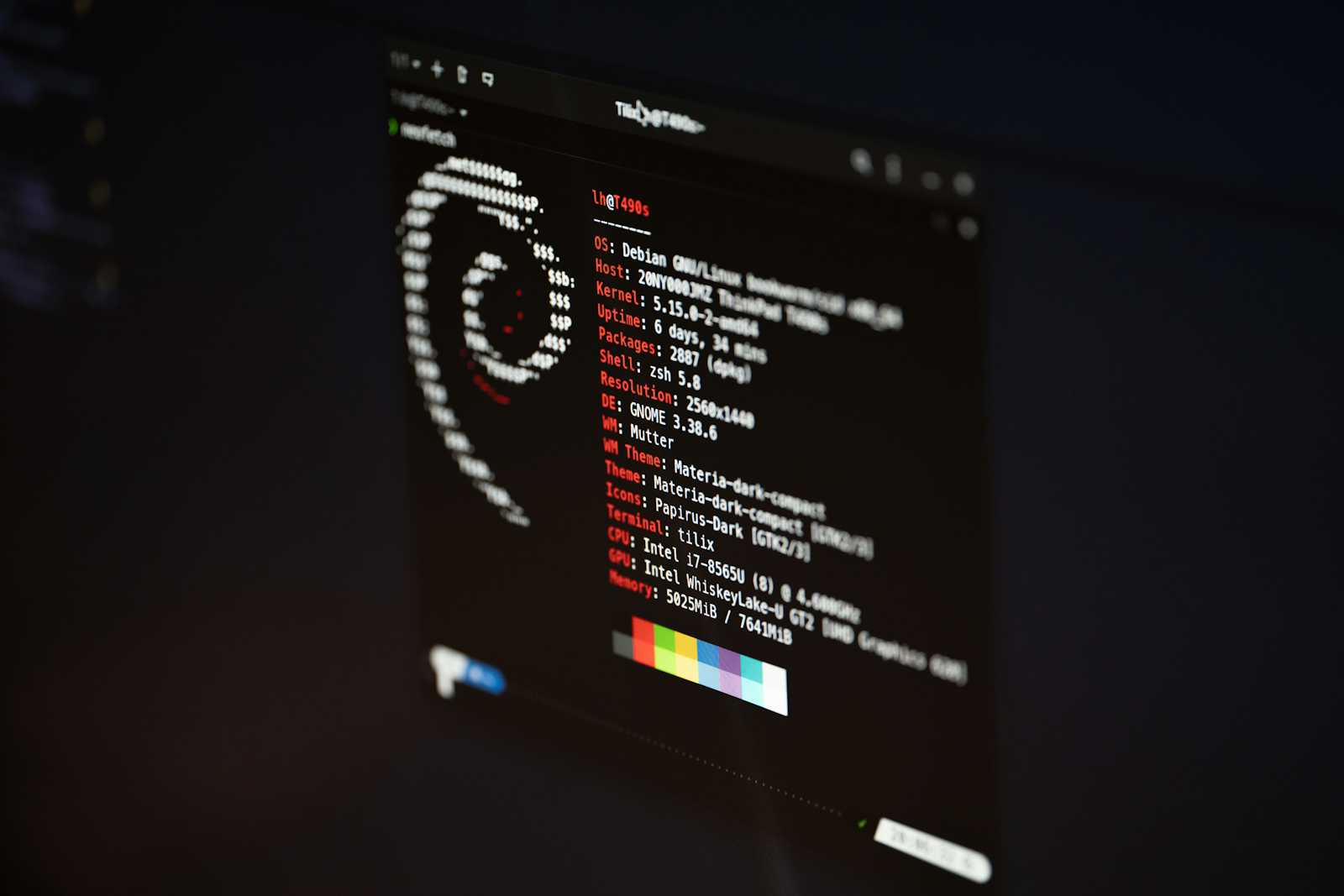
I’m an IT student building my path towards DevOps and Cloud Engineering. Currently documenting my journey from Linux fundamentals to production-grade DevOps systems.
Linux isn't just another operating system in the DevOps world - it's the foundation. Most servers in production environments run on Linux. Cloud VMs, Kubernetes nodes, CI/CD runners, container hosts - almost everything is based on Linux.
After finishing the Linux fundamentals in my DevOps journey, here's what I learned and what truly matters in real production systems.
Why Linux Is Essential in DevOps
DevOps focuses on automation, infrastructure, reliability, and scalability. Linux makes all of this possible.
Here's why it's important:
Cloud servers (like AWS EC2, GCP Compute Engine, Azure VMs) mainly use Linux.
Docker containers rely on Linux kernel features.
Kubernetes nodes operate on Linux.
CI/CD pipelines run in Linux environments.
Infrastructure automation tools (such as Ansible, Terraform, Bash scripts) are designed for Linux systems.
If you're committed to DevOps, Linux isn't optional - it's essential.
Important Commands That Matter in Production
Instead of memorizing hundreds of commands, I concentrated on those used daily in real environments.
File & Directory Management
lscdpwdmkdirrmcpmvfind
Production relevance:
Navigating logs
Managing application directories
Cleaning temporary files
Locating configuration files
Viewing & Editing Files
catlessheadtailnanovim
Production relevance:
Reading logs (
tail -f /var/log/app.log)Inspecting config files
Debugging application errors
System Monitoring
tophtopdf -h free -muptime
Production relevance:
Checking CPU spikes
Monitoring memory usage
Investigating disk space issues
Identifying system overload
When systems go down, these commands are your first line of debugging.
Process Management
In production, applications run as processes. Managing them is critical.
Key Commands
psauxkillkill -9systemctlservice
What Actually Matters
Identifying stuck or rogue processes.
Restarting services safely.
Understanding system services.
Checking service status:
systemctl status nginx
If a production server crashes at 2 AM, knowing how to inspect and manage processes is essential.
File Permissions (Security Fundamentals)
Linux permissions protect production systems from unauthorized access.
Understanding Permission Format
Example:
-rwxr-xr--
Breakdown:
Owner
Group
Others
Important Commands
chmodchownchgrp
Production relevance:
Securing application directories
Restricting access to sensitive files
Managing deployment permissions
Misconfigured permissions can:
Break deployments
Expose sensitive data
Cause security vulnerabilities
Understanding permissions is not theory - it’s security in practice.
Networking Basics in Linux
DevOps engineers frequently troubleshoot connectivity issues.
Useful Commands
pingcurlwgetnetstatssifconfigip addr
Production Use Cases
Checking if a service is reachable.
Verifying API responses.
Confirming open ports.
Diagnosing network failures.
Example:
curl http://localhost:8080
If the service isn't responding, the issue might not be with the application; it could be a networking problem.
What Most Beginners Ignore
After learning Linux fundamentals, I realized many beginners focus on commands but ignore deeper concepts.
Here’s what actually matters:
1. Understanding the Linux File System
Know:
/etc- configuration/var/log- logs/home- user directories/usr- binaries/opt- optional software
In production, you need to know where things live.
2. Logs Are Everything
Most debugging in DevOps starts with logs.
Learn:
tail -fjournalctl
When something breaks, logs tell the story.
3. Automation Mindset
Instead of doing things manually:
Think in terms of scripts.
Focus on repeatability.
Aim for idempotency.
This change in mindset is what transforms a Linux user into a DevOps engineer.
4. Resource Awareness
Production systems fail due to:
High CPU usage
Memory exhaustion
Disk full errors
Always check system health before blaming the application.
What I’m Learning Next: Shell Scripting
Now that I understand Linux fundamentals, I’m moving into Shell Scripting.
Why?
Because DevOps is not about manually typing commands - it’s about automation.
With shell scripting, I aim to:
Automate system setup
Write deployment scripts
Schedule cron jobs
Build reusable operational scripts
Linux gives control.
Shell scripting gives scalability.
Final Thoughts
Linux is not about memorizing commands.
It’s about understanding how systems work.
For DevOps, Linux means:
Process control
System monitoring
Security through permissions
Networking diagnostics
Automation foundation
This is the start of my DevOps journey.
The next step is to turn manual tasks into automated workflows using shell scripting.
If you're also starting your journey into DevOps, begin with Linux. Don't just memorize commands; learn how systems behave in real production environments.